The National Credit Union Administration (NCUA) Information Security Examination (ISE) procedures include specific security testing requirements for credit unions. In this article, we'll look at the requirements and talk about how you can meet them.
Background
In accordance with the Gramm-Leach-Bliley Act (GLBA) and the NCUA's Guidelines for Safeguarding Member Information (12 CFR Part 748, Appendix A), credit unions are required to:
"Regularly test the key controls, systems and procedures of the information security program. The frequency and nature of such tests should be determined by the credit union's risk assessment. Tests should be conducted or reviewed by independent third parties or staff independent of those that develop or maintain the security programs."
It goes on to state that:
"Each credit union should report to its board or an appropriate committee of the board at least annually. […] The report should discuss material matters related to its program, addressing issues such as: […] results of testing."
The NCUA examines credit unions on a regular basis for GLBA compliance. In 2023, they began using the Information Security Examination (ISE) procedures in their review.
Information Security Examination Procedures
The ISE procedures organize security testing requirements into three levels: SCUEP, CORE, and CORE+.
SCUEP Requirements
The Small Credit Union Examination Program (SCUEP) applies to credit unions with less than $50 million in assets. While these requirements are flexible, they focus on ensuring key security controls are documented, tested, and reported.
Here's a quick look at the expectations.
| SCUEP Stmt ID | Requirement |
| 1.5 | Written information security policies should document "when key or critical controls will be tested." |
| 2.3 | The annual Report to the Board should include the "results of testing key or critical controls." |
| 3.3 | The "adequacy of key or critical controls" identified in the information security risk assessment should be tested. |
| 4.4 | Information security training should include "social engineering training, such as phishing scams, pretexting, [and] spear phishing." |
| 7.3 | Disaster recovery and business continuity programs should include "methods for training and testing contingency plans." |
| 7.4 | Reports to the Board on the disaster recovery and business continuity programs should include "results from testing." |
For smaller credit unions, the requirements are intentionally flexible. Testing is expected, but there aren't strict requirements about the types of testing to be done. Many small credit unions meet these expectations through a combination of IT audits, vulnerability scans, social engineering tests, and tabletop exercises.
CORE Requirements
The CORE program applies to credit unions with more than $50 million in assets. It builds on the SCUEP requirements and adds a dedicated "Controls Testing" component, requiring more structured and formal testing.
Here's an overview of the main requirements.
| CORE Stmt ID | Requirement |
| 1.5 | Written information security policies should document "when key or critical controls will be tested." |
| 2.3 | The annual Report to the Board should include the "results of testing key or critical controls." |
| 4.3 | The "adequacy of key or critical controls" identified in the information security risk assessment should be tested. |
| 5 | The independent testing of critical controls includes the following: |
| 5.1 | Information Technology Controls Audit |
| 5.2 | Internal Vulnerability Scanning |
| 5.3 | External Vulnerability Scanning |
| 5.4 | Internal Penetration Testing |
| 5.5 | External Penetration Testing |
| 5.6 | Social Engineering Testing |
| 10.3 | Disaster recovery and business continuity programs should include "methods for training and testing contingency plans." |
| 10.4 | Reports to the Board on the disaster recovery and business continuity programs should include "results from testing." |
| 13.3 | Periodic user access reviews |
The CORE program is more prescriptive than the SCUEP, emphasizing structured, independent testing across multiple areas. This ensures controls are not only documented, but also actively verified for effectiveness.
CORE+ Requirements
The CORE+ program is used in exams on an as-needed basis. Unlike the SCUEP and CORE procedures, the CORE+ procedures are more flexible and scattered across several areas.
Generally speaking, the procedures require:
- A stronger emphasis on penetration testing.
- Testing specific scenarios, such as wireless controls, internally developed applications, third-party security controls, firewall rules, core conversions, and data backups.
- Maintaining a formal audit plan and schedule.
In short, the CORE+ program emphasizes specialized testing. Credit unions with higher risk, greater complexity, or unique activities are expected to provide stronger evidence of assurance.
Next Steps
Whether your credit union will be examined with the SCUEP, CORE, or CORE+ procedures, one thing is clear: testing matters. As part of the ISE, the NCUA expects to see practical evidence that your security controls function as expected.
The challenge for many credit unions is figuring out how to right-size that testing. Smaller credit unions may only need foundational testing, while larger or higher-risk credit unions may need more specialized coverage. This is where CoNetrix can help.
About CoNetrix Security
CoNetrix Security specializes in providing security testing services designed to help credit unions meet regulatory requirements and strengthen security without overcomplicating the process.
Whether you need an IT audit, internal or external penetration test, vulnerability assessment, social engineering test, or something else, we can help you design a testing program that fits your needs and gives stakeholders confidence in your program.
Learn more about how we can help at CoNetrix.com/Security.
About Tandem
Take your information security program to the next level with Tandem, a governance, risk management, and compliance (GRC) application by CoNetrix.
- Build your information security risk assessment with Tandem Risk Assessment.
- Create a custom security testing policy with Tandem Policies.
- Track results of testing with Tandem Audit Management.
- Review third party security testing reports with Tandem Vendor Management.
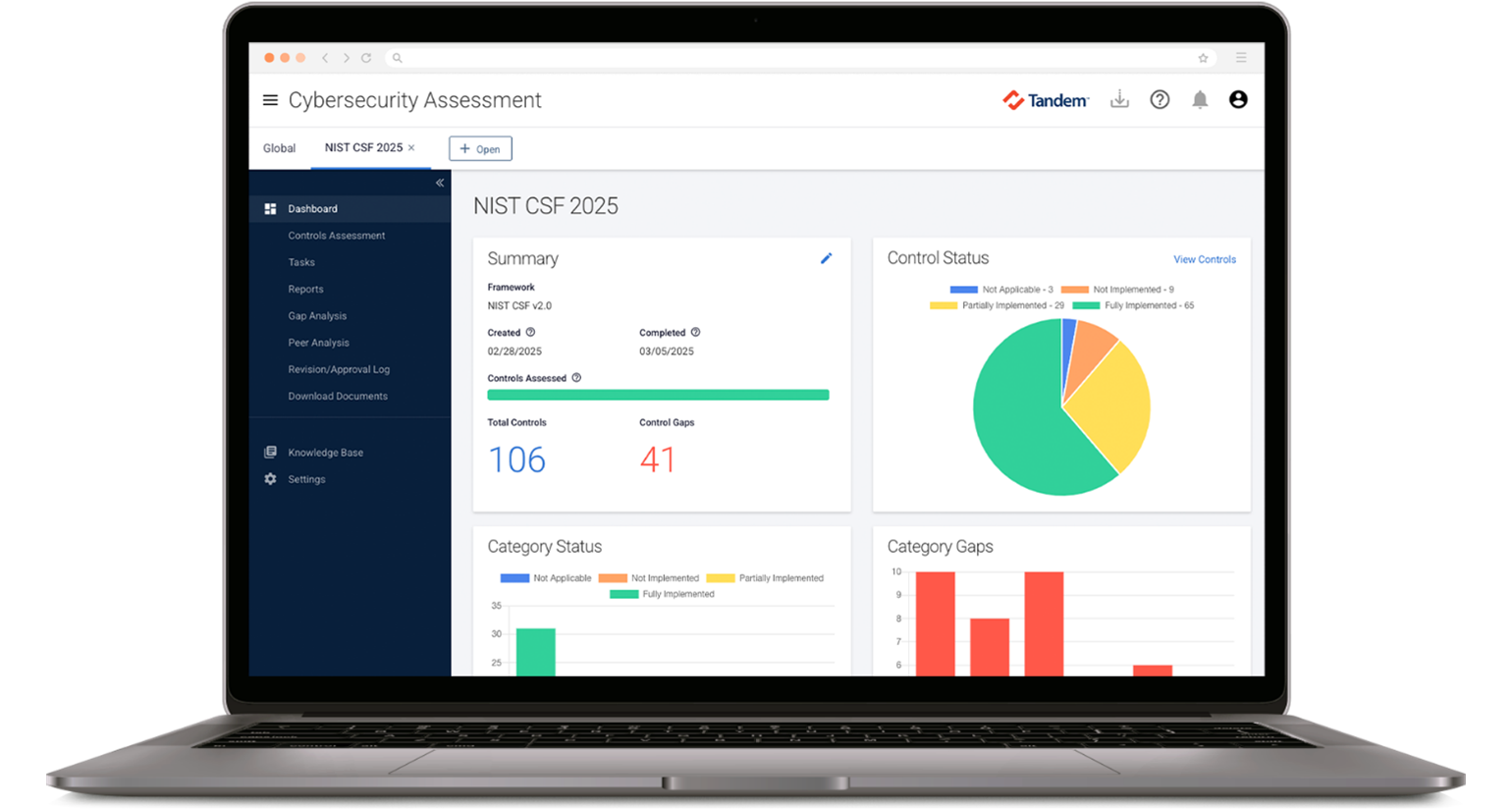
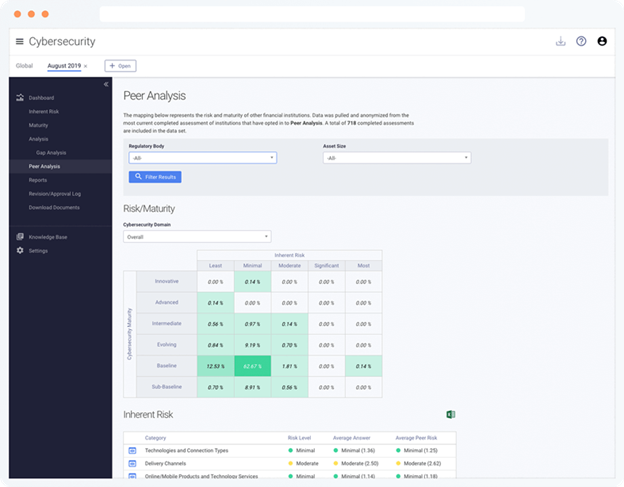
- And prepare for your next ISE exam with Tandem Cybersecurity Assessment.
Get started for free at Tandem.App/Cybersecurity